Python in 3 days. Every program here runs.
These are the complete notes from the Pusad workshop — every block is self-contained, so copy any one into a fresh Colab cell and it works. Press Run on any program to see what it prints. Then rebuild it without looking.
Setup: Python in your browser
Nothing to install. Google Colab runs Python on Google's computers; you just need a browser and a Gmail. Full setup, from zero:
- Open colab.research.google.com — on a laptop or even a phone (laptop is much better for typing code).
- Sign in with any Gmail account (the same one you use for YouTube works). If a "Welcome to Colab" example notebook opens, just close that tab of it — you want your own.
- Click File → New notebook in Drive (or the New Notebook button on the welcome popup). A page opens with one empty grey box — that box is called a cell.
- Rename it: click the title
Untitled0.ipynbat the top-left and type something likepusad_workshop.ipynb. It auto-saves to your Google Drive from now on. - Type code in the cell and press Shift + Enter to run it (or click the ▶ play button on the cell's left edge). The first run takes ~10 seconds — Colab is connecting you to a free computer in Google's data centre. After that, runs are instant.
- Need another cell? Click + Code at the top-left. Each cell runs on its own, but they all share the same variables — a variable you create in cell 1 works in cell 5.
If something goes wrong in Colab (read once, remember forever)
"Not connected" / grey RAM-Disk icon at top right: click Connect (top-right corner) and wait a few seconds.
Left Colab idle for a while and now variables are "not defined": Colab disconnects after long inactivity and forgets your variables (your code is safe in Drive, only the running memory resets). Fix: Runtime → Run all to re-run every cell from the top.
A cell is stuck / an infinite loop is running: press the ■ stop button on the cell (the ▶ turns into ■ while running), or Runtime → Interrupt execution.
Want your notebook back tomorrow? It's in your Google Drive inside the Colab Notebooks folder — or just open colab.research.google.com and it's listed under Recent.
Files like marks.csv disappear between sessions: files created by your code live on the temporary Colab computer, not in Drive — when the session resets they're gone. That's fine here: the notes always create the file first (re-run that cell).
Variables — boxes that remember
A variable is a labelled box. The label stays; what's inside can change.
Try it: change what's in the box
name = "Priya"; city = "Pusad"; age = 19
f"{name} from {city}" puts variables inside text. You'll use it in every program from now on.input() — your program asks a question
Like a shopkeeper: asks, waits, remembers your answer.
int() when you need a number for maths. Type letters where a number is expected and you'll get a ValueError — errors are normal, read the line number they mention.if / elif / else — programs that decide
Remember the hall game: if you had poha, stand; elif only chai, raise your hand; else stay seated. Same input, different branch. That's a condition.
Try it: slide the marks, watch the branch
→ took the elif marks >= 60 branch
print are Python's grammar — they mean "this line belongs to the if". Colab adds them for you after a colon.Loops — do it 1000 times without typing 1000 times
Attendance roll-call is a for loop (fixed count). Scrolling reels is a while loop (until something changes).
Try it: step through for i in range(1, 6)
count = count - 1 — or it runs forever. If that happens in Colab, press the stop button. Every programmer does it once.Day 1 projects
Three complete programs. Run them, then rebuild each from a blank cell.
Project 1 — Bio Card + Marks Calculator
Project 2 — Number Guessing Game
Project 3 — Your own chatbot (rule-based)
print(2 + 3) print, and what does print("2 + 3") print?marks = input("Marks: ") and then marks / 100. What happens?marks = int(input("Marks: ")).Lists — many values in one variable
Yesterday you stored marks as m1, m2, m3. For 60 students that's 60 variables. A list holds all of them under one name.
Try it: click a cell to see its index
marks = [78, 92, 65, 88, 71]
marks[0] is the first element — counting starts at 0. Every programmer trips on this exactly once.Dictionaries — real records
A list loses the names. A dictionary keeps the pair: name → marks. It's how a college register works — roll number → student.
Try it: look up a name
students = {"Renu": 78, "Akash": 92, "Priya": 65, "Sana": 88}
students.get("Ram", "Not found") means: give me the value, or this message if the key doesn't exist. No crash.Functions — write once, use forever
def defines a named piece of code. return sends the answer back. Write it once, call it a hundred times.
Files — data that survives
Close Colab and your dictionary is gone. Files make data permanent. Two lines to save, two to read back.
"w" = write (overwrites), "r" = read, "a" = append to the end.Day 2 projects
Class Marks Analyzer
Student Database — a menu app
Student Record Manager — functions + a file (Day 2 capstone)
students[name] crashes with KeyError if the name is missing. .get() returns your fallback instead.CSV files & pandas
Real data lives in CSV files — comma separated values. First create one (run this once), then read it two ways: the manual way, and the professional way.
The manual way (your Day 2 file skills)
The pandas way — 20 lines become 3
groupby is the most useful command in data analysis: marks per branch, sales per city, cases per district. pandas is what data scientists and AI engineers use every day.Real AI — your code talks to Gemini
Your Day 1 bot followed your rules. This one has read the internet. You need one thing first: a free API key — a password that lets your code (not your browser) talk to Google's AI.
Step 1 — Get your free API key (2 minutes, no card needed)
- Open aistudio.google.com and sign in with the same Gmail you used for Colab.
- Accept the terms if asked, then click Get API key (left sidebar or top-right button).
- Click Create API key. If it asks for a project, choose Create API key in new project.
- A long code appears, starting with
AIza...— click Copy. That string is your key.
Step 2 — Test the key (run this first)
In a new Colab cell, paste this, replace the key with yours (keep the quotes), and run. Nothing to install — requests is already on Colab.
Key not working? The three errors everyone hits
"API key not valid" (error 400): the key was copied incompletely, or the quotes got smart-formatted. Re-copy the whole AIza... string from aistudio.google.com and paste it between plain straight quotes "...".
"model not found" (error 404): the model name in the URL has a typo, or that model was retired. Check the url line character by character — or ask in the WhatsApp group for the current model name.
"quota exceeded" (error 429): the free tier allows a limited number of requests per minute. Wait a minute and run again — for learning, the free limit is plenty.
KeyError: 'candidates': the reply didn't contain an answer — usually one of the errors above in disguise. Add print(r.json()) before the failing line to see Google's actual error message.
Step 3 — Wrap it in a function and talk to it
ask_ai(anything) now works anywhere in your program. That's Day 2's skill making Day 3 possible.Day 3 projects
Real Data Analyzer
AI Report Card Generator — the final project
Where to go next
Three days ago you had never written code. Today you built an AI application. The only students who fail at coding are the ones who stop — here's how not to stop.
This week — rebuild without looking
One program a day from these notes, from a blank cell, no peeking. When it breaks, read the error, fix it. Struggling is the learning.
Weeks 2–4 — practice + one project of your own
HackerRank easy problems daily (15 minutes). Then build something you'd actually use: attendance tracker, expense manager, notes organiser, canteen order app.
Month 2 — files, APIs, error handling
Connect your programs to the internet. Build a live Weather App. Learn try/except so your code stops crashing on bad input.
Month 3 — AI and data properly
NumPy and pandas in depth, an AI chatbot with memory, web scraping, automation. Put every project on GitHub — that's your placement portfolio.
Month 4+ — your first machine learning model
scikit-learn on a real dataset. For AI-branch students this is where your syllabus and your skills finally meet.
Free resources that are enough to start
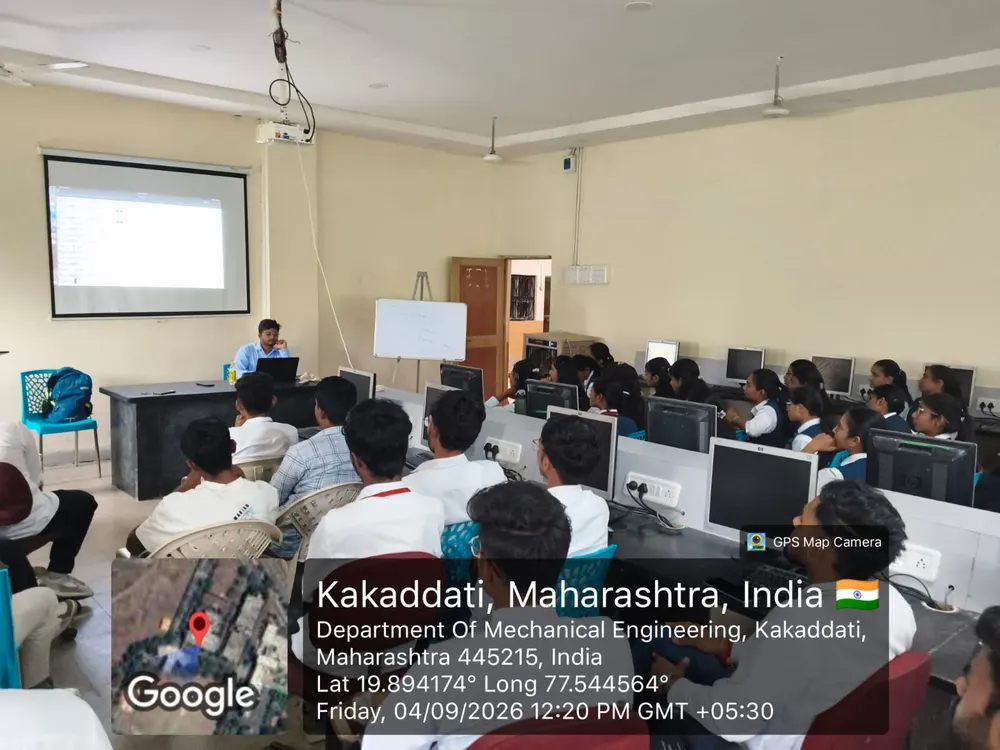
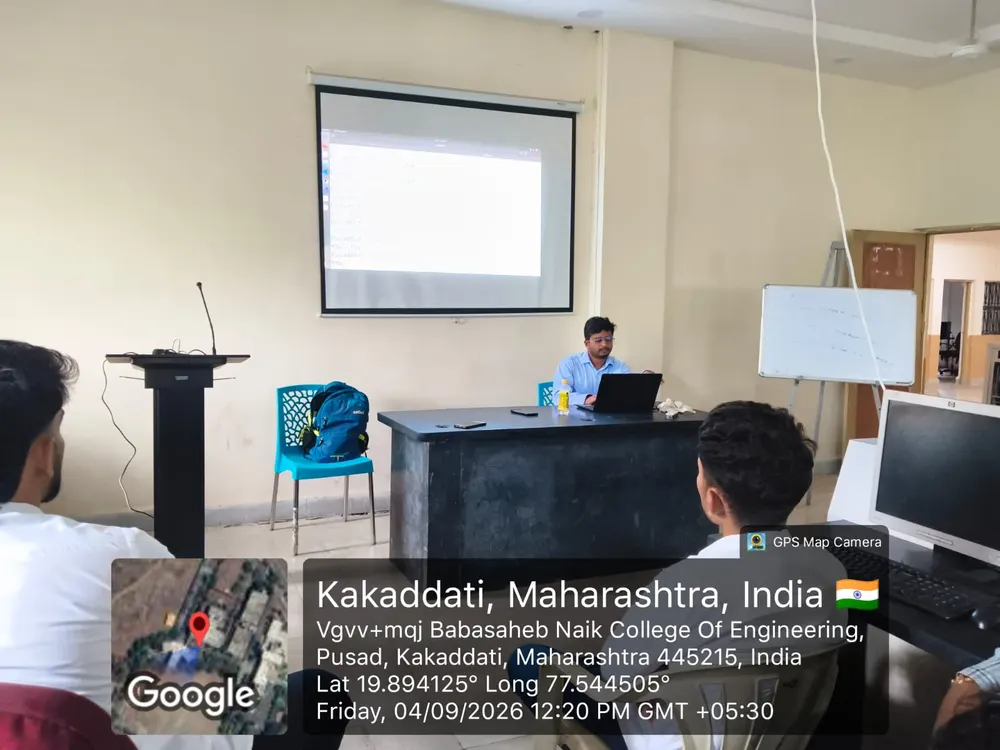
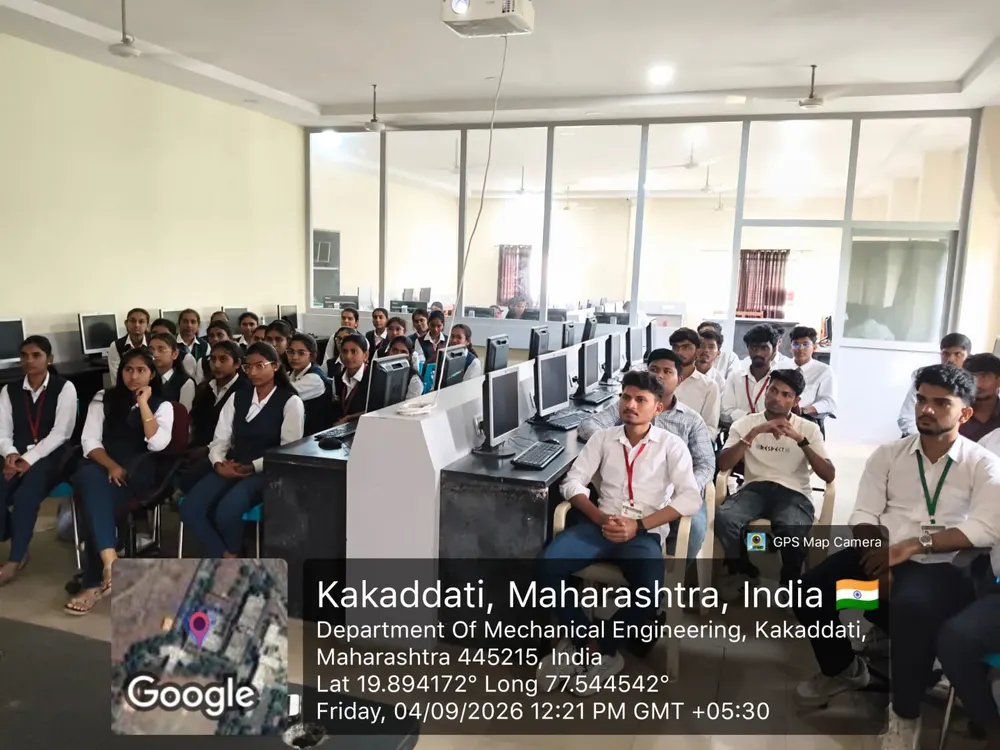
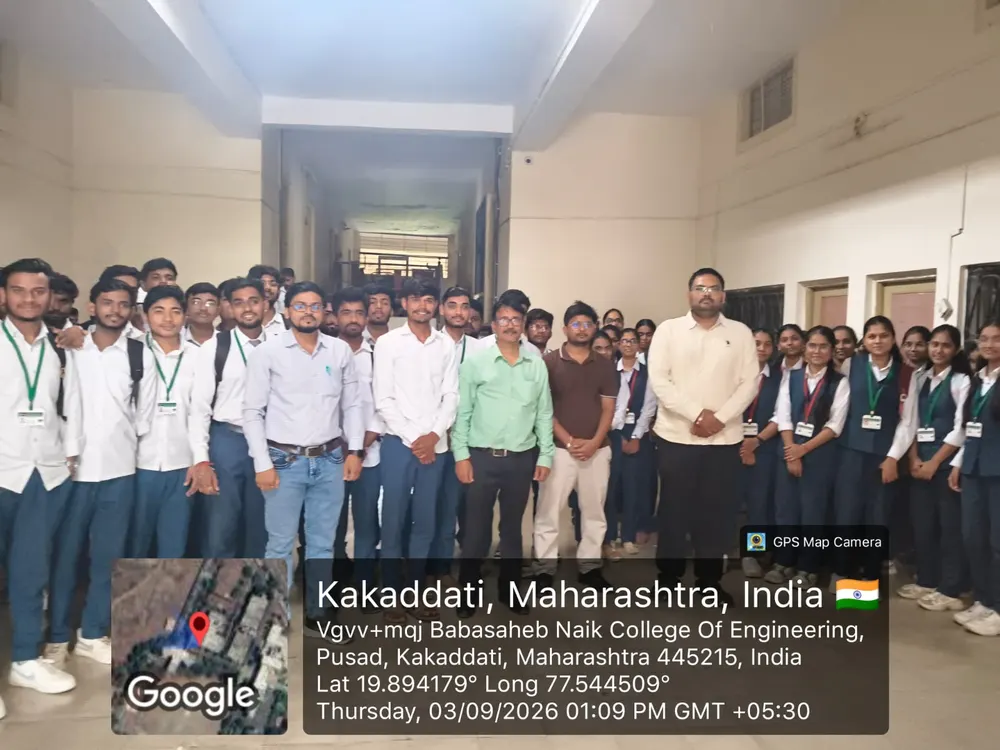
The workshop in pictures
Three days, one packed lab — Babasaheb Naik College of Engineering, Pusad, September 2026.
Want the full journey? Python + AI — 3-month live course
The workshop was Month 1. The course continues with everything above — 24 live weekend classes, all recordings, WhatsApp doubt support, a capstone on your GitHub, and a certificate. Fee ₹3,499 — workshop attendees have their ₹250 adjusted. Sincere students who complete all assignments and pass the assessments get a full refund.
WhatsApp 8187907789 · risingcoder.in · risingcoder.edu@gmail.com